
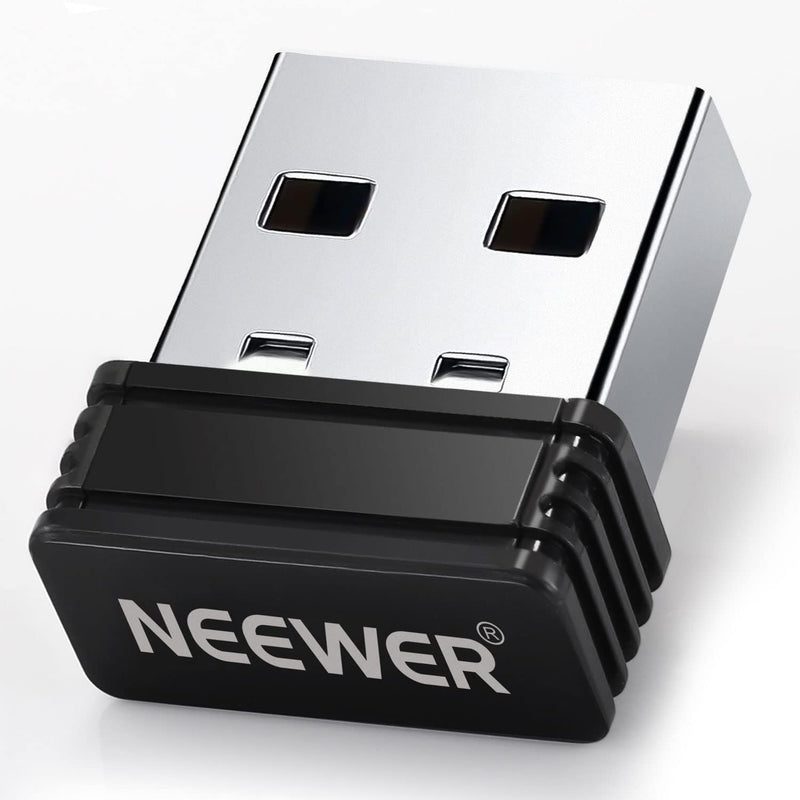


Neewer 10100593 2.4G Wireless USB LED Light Transmitter
Control Your Lighting with Ease: NEEWER 2.4G USB Wireless Transmitter AdapterThe NEEWER 2.4G USB Wireless Transmitter Adapter is designed to control NEEWER 2.4G LED panel lights and ring lights from your PC or Mac. This adapter allows you to adjust brightness, color temperature, and channels via ...
Check availabilityNotice a mistake? Let Us Know
Overview
Control Your Lighting with Ease: NEEWER 2.4G USB Wireless Transmitter Adapter
The NEEWER 2.4G USB Wireless Transmitter Adapter is designed to control NEEWER 2.4G LED panel lights and ring lights from your PC or Mac. This adapter allows you to adjust brightness, color temperature, and channels via the NEEWER Live 2.4G app, making it ideal for gamers, online meeting attendees, and photographers.
- Compatibility: All NEEWER 2.4G LED Panel Lights and Ring Lights
- Connectivity: 2.4G Wireless
- Interface: USB
- Operating Systems: Windows 7/10, macOS 10.14 and Later
- App: NEEWER Live 2.4G
Key Features
【2.4G Adapter for PC & Mac】 Turn your desktop PC or laptop into a remote control for NEEWER 2.4G LED lights. A few clicks on your computer will allow you to easily control your lights, ideal for gamers, and online meeting attendees who have to look at the monitor all the time
【Simple USB Connection】 Insert the transmitter into a USB-A port on your computer, and the stable 2.4G transmission begins (transmission distance up to 20m/787"). With 10 channels, the transmitter can connect to several lights at a time. For some laptop users, a USB-C to USB-A adapter needs to be purchased separately
【Compact Space-saving Design】 With a mini build, the transmitter can stay inserted in your computer all the time without blocking the adjacent ports and go anywhere with you
【Easy to Use with its own App】 Download the “NEEWER Live 2.4G” app from NEEWER’s official website and install it on your PC or laptop. You can adjust brightness and color temperature or select channels between 1 and 10 through the APP. If you need to use several NEEWER 2.4G lights at the same time, select “ALL” to control them collectively
【Systems Requirements】 This 2.4G transmitter is compatible with Windows 7, Windows 10, and macOS 10.14 and later. After being installed, the transmitter can control NEEWER P16/SRP18/P200-2.4G/P280-2.4G/P600-2.4G/RP18H/T140/NL660-2.4G / NL480-2.4G/NL1920-2.4G/NL1320-2.4G/CL124-2.4G LED Video Light and more
Specifications
Frequently Asked Questions
Related Products

