

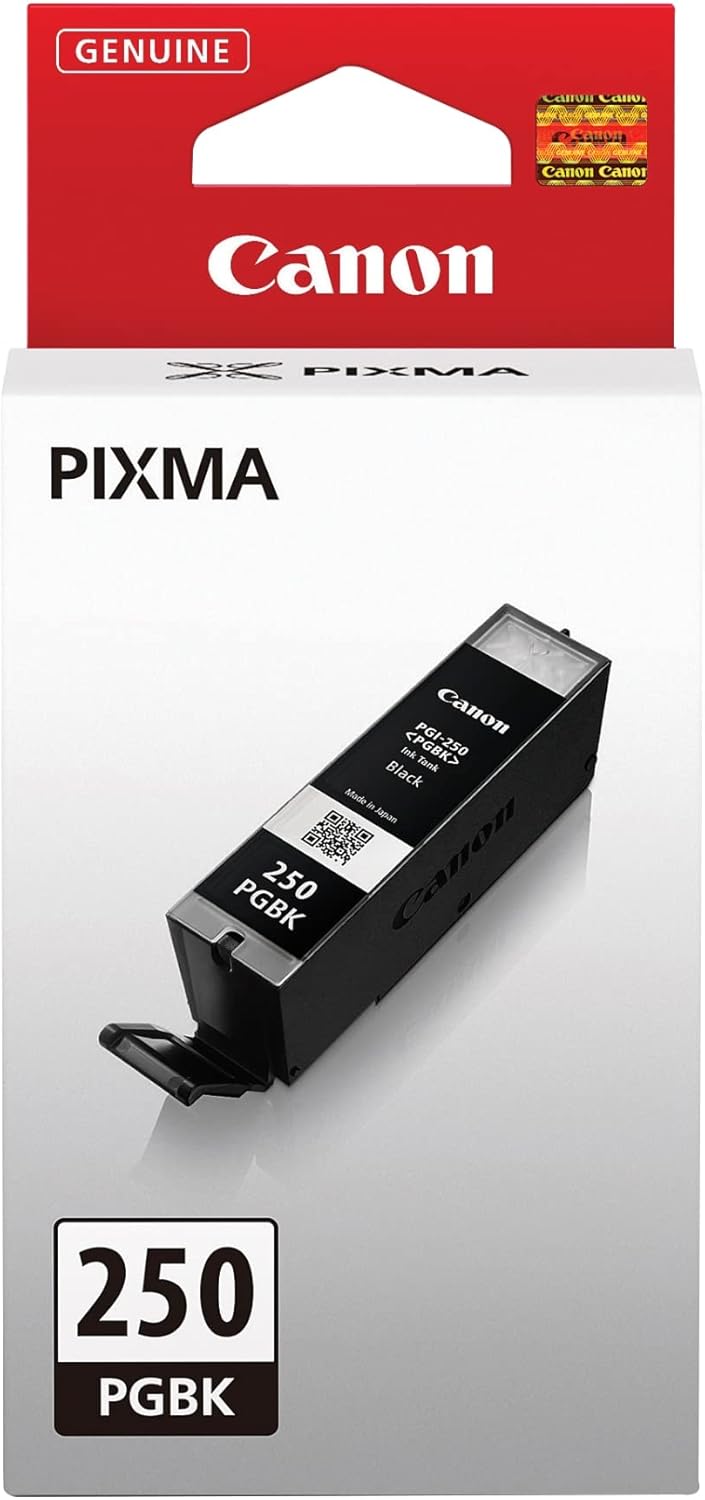


Canon
Canon PGI-250 PGBK Black Ink Cartridge - Compatible Printers
Canon's pigment-based PGI-250 PGBK delivers smudge-resistant black text with FINE nozzle precision across a wide range of PIXMA printers.
$19.00*$19.99Save 4%
View on Amazon
✓ In Stock on Amazon.com
*Price sourced from Amazon.com. Last updated:Oct 07, 2026.Price and availability are subject to change — details.
Affiliate Disclosure: As an Amazon Associate, Studio Supplies earns from qualifying purchases made through links on this page, at no additional cost to you. This helps support our editorial team.
Notice a mistake? Let Us Know
Overview
Key Features
The black pigment ink formulation gives you rich, dark, smudge-resistant text
Genuine Canon Ink tanks allow free access to exciting exclusive content via Creative Park Premium
Enjoy crisp, smudge-resistant text
FINE (Full Photolithographic Inkjet Nozzle Engineering) technology offers amazing sharpness, detail and quality
Specifications
Brand
Canon
Ink Type
Pigment
Color
Black
Model Name
PGI-250 PGBK
Technology
FINE (Full Photolithographic Inkjet Nozzle Engineering)
Frequently Asked Questions
What's the difference between the PGI-250 PGBK and the CLI-251 black cartridge, and which should I use for documents?
The PGI-250 PGBK uses pigment-based black ink, which is engineered for dense, water-resistant text output on plain paper — the right choice for documents, forms, and any high-contrast black printing. The CLI-251 black is a dye-based ink optimized for photo printing where smooth tonal transitions matter more than sharp text edges. For documents, always use the PGI-250 PGBK.
Is the PGI-250 PGBK compatible with my specific PIXMA model?
Canon lists compatibility with the MG5420, MG5422, MG5520, MG5522, MG5620, MG6320, MG6420, MG6620, MG7120, MG7520, MX722, MX922, iP7220, iP8720, and iX6820. If your PIXMA model isn't on that list, this cartridge is not the correct fit — cross-referencing your printer's manual or Canon's compatibility tool before purchasing is recommended.
Will using the PGI-250 PGBK give me access to Canon Creative Park Premium content?
Yes — genuine Canon ink tanks, including the PGI-250 PGBK, unlock access to Canon's Creative Park Premium platform, which provides downloadable craft templates and photo projects. Third-party cartridges do not unlock this feature.
How does pigment-based ink affect print durability compared to dye-based inks?
Pigment ink bonds to the paper surface rather than absorbing into the fibers the way dye ink does, which produces sharper edges on text characters and significantly better resistance to water, smearing, and fading on plain paper. For documents that will be handled, filed, or mailed, the PGI-250 PGBK's pigment formulation is the more durable choice.
Does the PGI-250 PGBK work in printers that use the XL high-yield version of this cartridge?
The PGI-250 PGBK is the standard-yield version. The PGI-250XL PGBK is the high-yield variant with a larger ink reservoir. Both are compatible with the same printer models — the XL version simply delivers more pages per cartridge. Your printer will accept either version; the choice is a per-page cost calculation.
Related Products


