



Dell
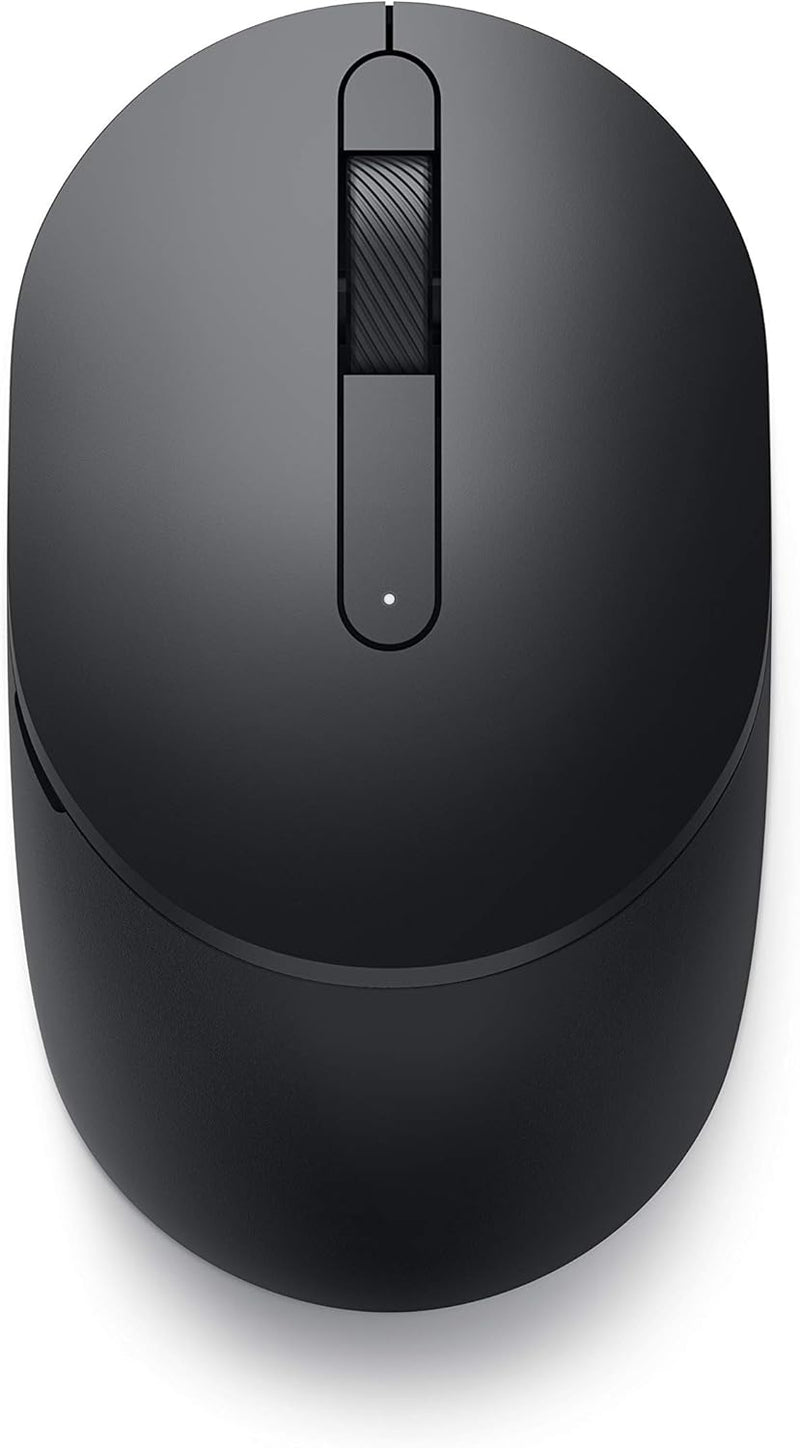
Dell MS5120W Mobile Pro Wireless Bluetooth Mouse
★★★★★
Experience Seamless Connectivity and Lasting Performance The Dell MS5120W Mobile Pro Wireless Mouse offers dual-mode connectivity, allowing you to connect via 2.4GHz wireless or Bluetooth 5.0. With customizable buttons, long battery life, and compatibility across multiple operating systems, this...
$34.99*
View on Amazon
✓ In Stock on Amazon.com
*Price sourced from Amazon.com. Last updated:Jul 14, 2026.Price and availability are subject to change.
Affiliate Disclosure: Studio Supplies may earn a commission from qualifying purchases made through links on this page, at no additional cost to you. This helps support our editorial team.
Notice a mistake? Let Us Know
Overview
Experience Seamless Connectivity and Lasting Performance
The Dell MS5120W Mobile Pro Wireless Mouse offers dual-mode connectivity, allowing you to connect via 2.4GHz wireless or Bluetooth 5.0. With customizable buttons, long battery life, and compatibility across multiple operating systems, this mouse is designed for productivity on the go.
Key Features:
- Dual-mode connectivity: 2.4GHz Wireless and Bluetooth 5.0
- Long battery life: Up to 36 months
- Customizable shortcut buttons
- Dell Peripheral Manager software for customization
- Compatible with Windows, Mac, Chrome, Linux, and Android
Specifications:
- Brand: Dell
- Model: MS5120W
- Connectivity: Wireless 2.4GHz, Bluetooth 5.0
- Operating System: Linux
- Battery Life: 36 months
- Color: Black
- Dimensions: 4.1 x 2.4 x 0.1 inches
Key Features
CONNECT SEAMLESSLY: The dual-mode connectivity incorporates a 2.4GHz wireless and a Bluetooth 5.0 connection so you can pair and connect to almost any PC via your preferred mode. Widely compatible, this mouse works with a variety of operating systems, including Windows, Mac, Chrome, Linux and Android.
BUILT TO LAST: Work for up to 36 months on a single battery without having to be concerned with battery replacements. Dell Advanced Exchange Service ships you a replacement unit the next business day should your mouse be faulty within the three-year warranty.
CUSTOMIZE AND MANAGE: Intuitively positioned shortcut buttons on the mouse allow easy navigation across web pages and applications. The Dell Peripheral Manager software lets you customize and manage your keyboards and mice efficiently.
Specifications
Connectivity Technology
Wireless
Color
Black
Pros & Cons
👍 Pros
- Wireless connectivity provides freedom from cables, offering a clean and flexible workspace.
- Bluetooth technology ensures broad compatibility with various devices without needing a dedicated dongle.
- Customizable shortcut buttons enhance navigation across web pages and applications, improving workflow efficiency.
- Manager software allows for efficient customization and management of the mouse, tailoring it to user preferences.
- The black color provides a classic and professional aesthetic that complements most office setups.
👎 Cons
- Requires Dell-specific manager software for full customization, which might not be universally desired or compatible.
- The dependency on Bluetooth may introduce occasional connectivity issues or latency for some users.
- Battery life details are not specified, making it difficult to assess long-term usability without frequent recharging or replacement.
- The design may not be suitable for all hand sizes or grip styles, potentially leading to discomfort during extended use.
- Specific button programmability details are not provided, leaving some ambiguity about the extent of customization.
Frequently Asked Questions
What kind of connectivity does the Dell MS5120W mouse use?
The Dell MS5120W mouse utilizes wireless connectivity, specifically Bluetooth, allowing for a clutter-free desk and easy pairing with compatible devices.
Can I customize the buttons on this Dell mouse?
Yes, the Dell MS5120W mouse features intuitively positioned shortcut buttons that can be customized through manager software, enhancing navigation across web pages and applications.
Is this mouse compatible with non-Dell computers?
While designed by Dell, its Bluetooth wireless connectivity generally allows it to pair with any device that supports standard Bluetooth mouse connections.
What software is needed to customize the mouse settings?
Manager software is required to customize and efficiently manage your keyboards and mice, allowing you to tailor the shortcut buttons to your specific needs.
Is a USB dongle required for this wireless mouse?
No, the Dell MS5120W mouse uses Bluetooth connectivity, meaning it connects directly to your device without the need for a separate USB dongle.
Related Products


