

Seagate One Touch SSD (Portable USB-C SSD, 1TB / 2TB) — Editorial Review & Use Cases
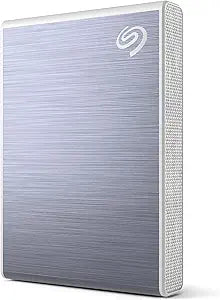
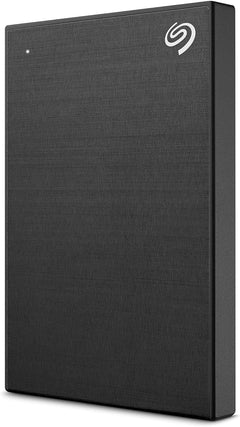
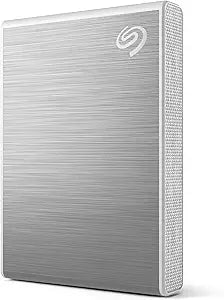
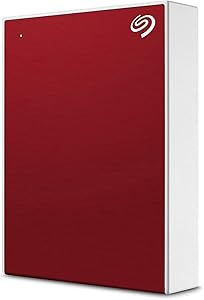
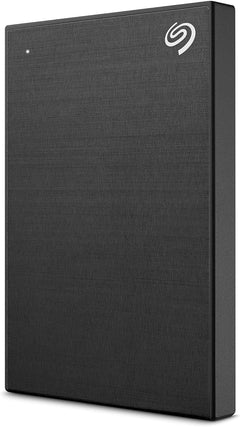
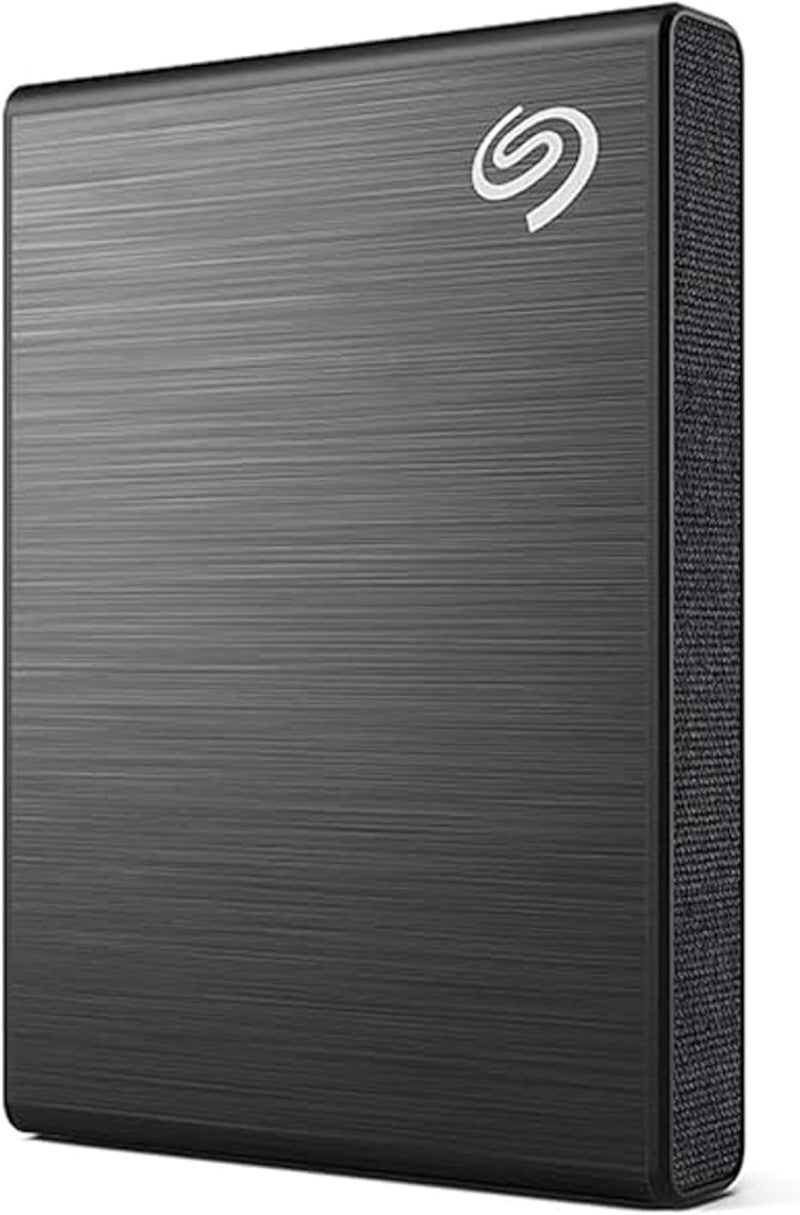
The Seagate One Touch SSD family (STKG1000400 1TB Black, STKG2000400 2TB) is Seagate's everyday portable USB-C SSD line — designed as a step-up from the Seagate One Touch HDD with internal SATA-class SSD, USB 3.2 Gen2 (10 Gbps) interface, and pocket-friendly aluminum-and-fabric textured chassis. Per Seagate's official One Touch SSD product page, the line delivers up to 1,030 MB/s read / 1,000 MB/s sustained write, USB-C + USB-A cable in box, 3-year warranty + Rescue data recovery, and integration with Seagate Toolkit (Mac + Windows) for backup automation.
What the One Touch SSD Specifically Wins
- USB 3.2 Gen2 (10 Gbps) — 1,030 MB/s read / 1,000 MB/s sustained write — 8-10x faster than One Touch HDD (~125 MB/s). Real-world: large file transfers, video edit timeline scrubbing, RAW photo offload all dramatically faster
- SSD reliability vs HDD mechanical risk — no spinning parts, shock-resistant, drop-survivable. Suitable for backpack / pocket / travel use
- USB-C native + USB-A cable in box — both cables included; no separate adapter needed for older USB-A laptops or USB-C modern systems
- Compact / pocket-friendly aluminum + fabric chassis — fits in a backpack pocket or laptop sleeve; tactile finish makes grip secure
- Seagate Toolkit integration — Mac + Windows backup automation, mirror sync, Time Machine support (Mac)
- 3-year limited warranty + 3-year Rescue data recovery service
- Capacity options 500GB / 1TB / 2TB / 4TB / 5TB — wider capacity range than competitive portable SSDs (Samsung T7 tops at 4TB, SanDisk Extreme tops at 4TB)
- Multi-color / multi-design options — black, silver, rose gold, blue. Aesthetic variety not common in portable SSDs
- Compatible across Mac M1-M4, Windows, Linux, Chromebook, Android USB-OTG, iPad Pro M4 / Air M2-M3 USB-C, iPhone 15+
Where the One Touch SSD Specifically Fits
- Photographers / videographers needing fast portable storage for RAW + 4K video offload
- Travel content creators with USB-C laptop + camera workflows
- Mobile workstation users with MacBook Air/Pro M-series needing fast external SSD
- Steam Deck owners — external USB-C for expanded game library (slower than internal NVMe but faster than microSD)
- Console expansion — Xbox Series X|S (older games install + run), PS5 cold storage for PS4 games
- 4K video editing on the go — sustained 1,000 MB/s adequate for 4K timeline scrubbing
- Bootable macOS / Windows installer drive
- Quick file backup before reformat / OS reinstall
- Travel photography backup workflow — daily offload from camera SD cards to one drive for travel-day backup
- Multi-device file transfer across iPad Pro + Mac + iPhone 15+ + PC
- iPad Pro photo/video editing workflow
Honest Limits Buyers Should Know
- USB 3.2 Gen2 (10 Gbps) caps at ~1,030 MB/s — not Thunderbolt 4 / USB4 (40 Gbps). For 3,000+ MB/s portable workflows, look at Sony Tough SF-G Pro Blade, ProGrade USB4, OWC Envoy Pro Thunderbolt 4. The One Touch SSD is "mid-tier portable SSD" — not extreme
- Internal SSD is SATA-class, not NVMe-class. While the USB interface is fast, the internal SSD's protocol limits sustained writes to SATA III ceiling (~560 MB/s real-world for the SATA SSD itself, USB enclosure overhead adds back to ~1,000 MB/s total). Premium portable SSDs (SanDisk Extreme PRO V2, Samsung T7 Shield) use NVMe internal SSDs for higher sustained speeds
- Limited TBW endurance disclosed. Seagate doesn't publish formal TBW endurance ratings for One Touch SSD. Mainstream portable SSD use is fine; sustained write-heavy use (video edit scratch) may degrade the drive faster than premium SSDs with published TBW
- No hardware encryption. AES-256 hardware encryption not supported. Use BitLocker (Windows) / FileVault (Mac) / VeraCrypt for sensitive data
- 3-year warranty shorter than SanDisk Extreme Portable / Samsung T7 (5-yr).
- Seagate Toolkit can be intrusive. Backup software installs in background on Mac/Windows; some users prefer plain mount-and-use without software
- Not IP-rated for water / dust. Casual rain / dust accidental contact is fine, but immersion / sandy environments will damage. For rugged use, look at Samsung T7 Shield, SanDisk Extreme PRO Portable v2, LaCie Rugged
- Premium pricing vs One Touch HDD. SSD vs HDD: ~3x cost-per-TB at the same capacity. The SSD pays for in speed + shock resistance
- USB-A cable adapter quality varies. Bundled cable is fine; cheaper third-party USB-C-to-USB-A adapters can cap speeds
Where Buyers Should Look Elsewhere
- NVMe-class portable SSD (sustained 2,000+ MB/s) → SanDisk Extreme PRO Portable v2, Samsung T9, Sabrent Rocket Nano Pro
- Thunderbolt 4 / USB4 (3,000+ MB/s) → OWC Envoy Pro, Sony SF-G Pro Blade, Akitio Thunder3 enclosure + NVMe
- Rugged / IP-rated portable SSD → Samsung T7 Shield (IP65), SanDisk Extreme PRO Portable v2, LaCie Rugged SSD Pro
- 5-year warranty → SanDisk Extreme Portable (5-yr), Samsung T7 (5-yr)
- Encrypted portable SSD → Samsung T7 Shield (with fingerprint), Apricorn Aegis, Kingston IronKey
- Pure budget portable SSD → SanDisk Extreme Portable v1 (older generation, similar speeds, cheaper)
- Console-specific (Xbox / PS4 / PS5 cold) → Seagate FireCuda Gaming SSD (with RGB + console certification)
- External HDD (lower cost-per-TB) → Seagate One Touch HDD, WD Elements (~3x cheaper $/TB but mechanical)
Sources & Citations
- Seagate, "One Touch SSD product page," seagate.com (accessed 2026-05-18)
- Tom's Hardware, "Seagate One Touch SSD review and portable SSD comparison," tomshardware.com (accessed 2026-05-18)
- AnandTech, "Portable SSD market coverage," anandtech.com (accessed 2026-05-18)
- The Wirecutter (NYT), "Best portable SSD buying guide," nytimes.com/wirecutter (accessed 2026-05-18)
Last verified: 2026-05-18