



Acer
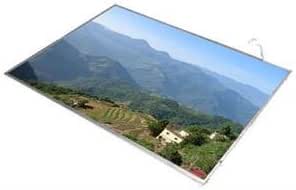
Acer 15.6" WXGA LED Replacement Screen
Restore your Acer Aspire's display with this exact-fit 15.6-inch WXGA LED replacement screen.
$65.33*
Check availability
*Price sourced from Amazon.com. Last updated:Oct 21, 2026.Price and availability are subject to change — details.
Affiliate Disclosure: As an Amazon Associate, Studio Supplies earns from qualifying purchases made through links on this page, at no additional cost to you. This helps support our editorial team.
Notice a mistake? Let Us Know
Overview
Specifications
Screen Size
15.6 inches
Resolution
WXGA (1366 x 768)
Surface Finish
Glossy
Backlight Type
LED
Compatibility
Acer Aspire 5742Z-4813
Frequently Asked Questions
Is this screen a direct replacement for the Acer Aspire 5742Z-4813?
Yes, this screen is engineered as a direct replacement for the Acer Aspire 5742Z-4813 and matches its mounting points, connector, and dimensions.
Is the screen surface glossy or matte?
This is a glossy-finish screen, which delivers more vivid colors and deeper blacks but may show more reflections in bright environments compared to a matte panel.
Does this replacement screen require soldering or special tools to install?
No soldering is required. Installation typically involves removing the bezel screws and display frame, disconnecting the old panel's ribbon cable, and connecting the new screen. A small Phillips screwdriver is the primary tool needed.
What resolution does this screen support?
The screen has a WXGA resolution, which is 1366 x 768 pixels — the standard resolution for the Acer Aspire 5742Z-4813.
Related Products


