

Apple
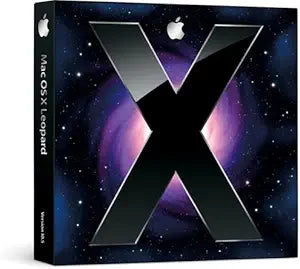
Apple Mac OS X Leopard 10.5.1
Mac OS X Leopard 10.5.1 brings Time Machine backups, Spaces virtual desktops, and Quick Look to your PowerPC or Intel Mac.
Check availability
Affiliate Disclosure: As an Amazon Associate, Studio Supplies earns from qualifying purchases made through links on this page, at no additional cost to you. This helps support our editorial team.
Notice a mistake? Let Us Know
Overview
Key Features
Mac OS X 10.5.1
Specifications
Operating System
Mac OS X 10.5.1 (Leopard)
Architecture Support
Intel and PowerPC (G4/G5)
Media Format
Install Disc
Frequently Asked Questions
What Mac hardware is required to run OS X Leopard 10.5.1?
Leopard requires an Intel-based Mac or a PowerPC G4/G5 running at 867 MHz or faster, with at least 512MB of RAM and 9GB of available disk space.
Is this version of Leopard still receiving security updates from Apple?
No. Apple ended support for OS X Leopard years ago, so it no longer receives security patches or software updates.
Can modern applications run on OS X 10.5.1?
Most current software requires newer versions of macOS. Leopard is primarily useful for running legacy applications that are incompatible with later OS releases.
Does Leopard 10.5.1 include Time Machine?
Yes. Time Machine was introduced in Leopard, allowing automatic incremental backups to an external drive.
Related Products


