

Canon
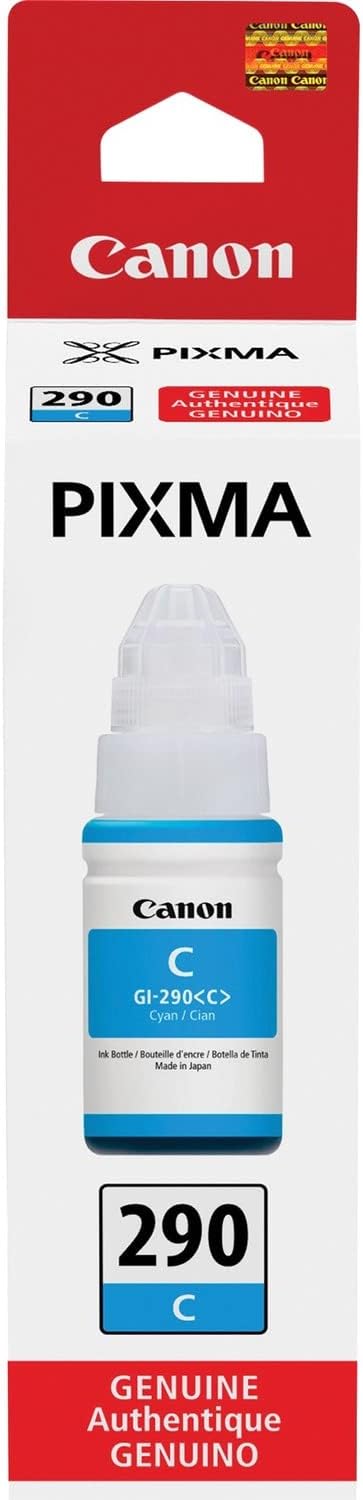
Canon GI-290 Cyan Ink Tank Refill for MegaTank Printers
Print up to 7,000 vivid cyan pages with Canon's high-yield MegaTank ink refill.
$14.97*
Check availability
*Price sourced from Amazon.com. Last updated:Oct 10, 2026.Price and availability are subject to change — details.
Affiliate Disclosure: As an Amazon Associate, Studio Supplies earns from qualifying purchases made through links on this page, at no additional cost to you. This helps support our editorial team.
Notice a mistake? Let Us Know
Overview
Key Features
Dye based ink formulation to produce rich beautiful colors
Designed for Canon Mega Tank Printers.
Genuine Canon ink bottles allow free access to Premium content via creative park Premium.
Cyan
Specifications
Brand
Canon
Model
GI-290
Color
Cyan
Ink Type
Dye-based
Approximate Page Yield
7,000 pages
Compatible Printers
Canon G4200, G3200, G2200, G1200, G4210
Frequently Asked Questions
How many pages can I print with one Canon GI-290 Cyan ink bottle?
Canon rates the GI-290 Cyan at approximately 7,000 pages per bottle, though actual yield varies with print settings and coverage.
Is this ink bottle compatible with all Canon printers?
No. The GI-290 is designed specifically for Canon MegaTank models including the G4200, G3200, G2200, G1200, and G4210 series.
Is the GI-290 a dye-based or pigment-based ink?
It uses a dye-based formulation, which produces rich, vibrant colors ideal for photos and color documents.
Does purchasing genuine Canon ink include any extras?
Yes. Genuine Canon ink bottles grant free access to premium templates and content through Canon's Creative Park Premium service.
How do I refill my MegaTank printer with this bottle?
Simply open the ink tank cover on your printer, remove the bottle cap, and insert the nozzle into the corresponding cyan ink tank. The bottle is designed to prevent overfilling.
Related Products


