



Canon
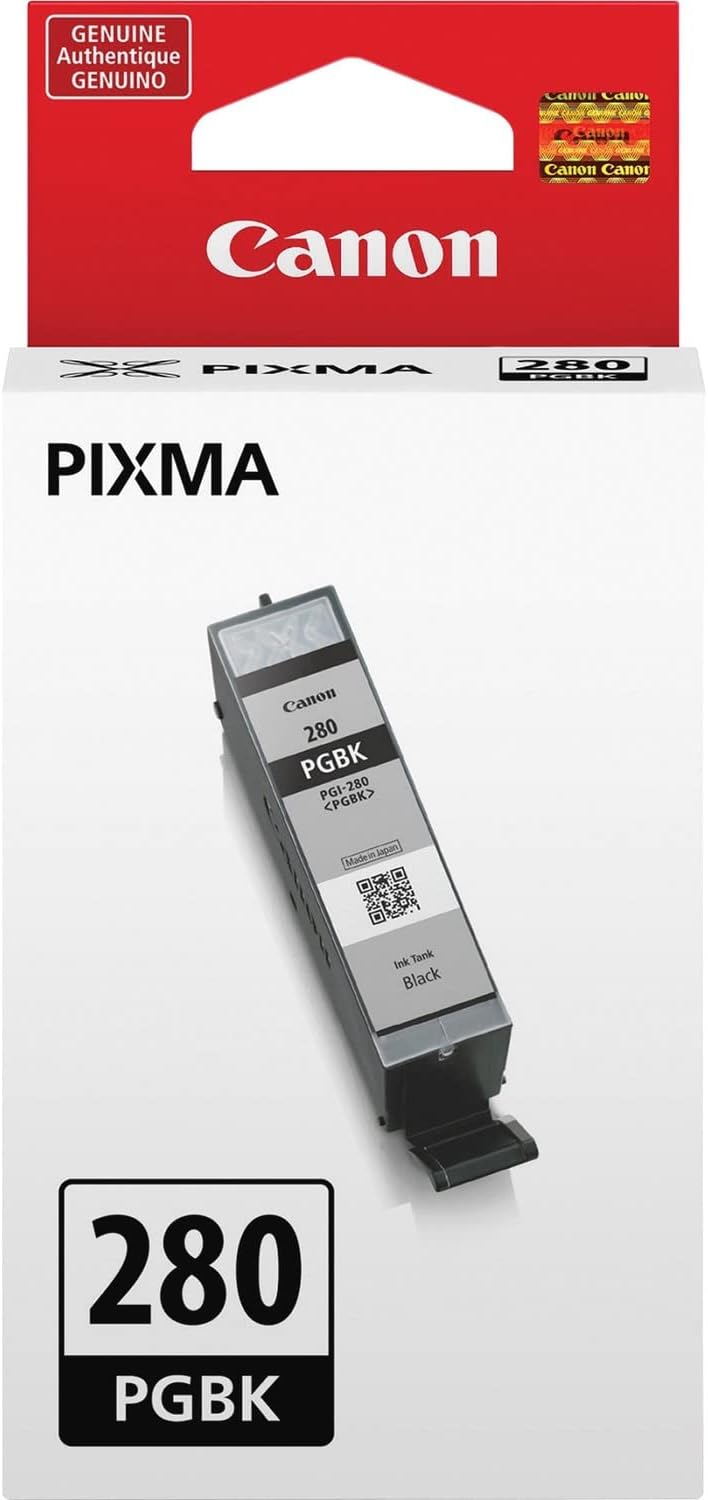
Canon 2075C001 PGI-280 Pigment Black Ink Tank
Pigment-based black ink that locks razor-sharp text onto plain paper while resisting smearing and moisture.
$19.00*$19.99Save 4%
View on Amazon
✓ In Stock on Amazon.com
*Price sourced from Amazon.com. Last updated:Aug 28, 2026.Price and availability are subject to change — details.
Affiliate Disclosure: As an Amazon Associate, Studio Supplies earns from qualifying purchases made through links on this page, at no additional cost to you. This helps support our editorial team.
Notice a mistake? Let Us Know
Overview
Key Features
Pigment black ink is used for printing documents on plain paper and ensures crips, Sharp text
Individual ink tanks optimize efficiency, as you only need to replace the ink that runs out
Genuine Canon inks provide optimal performance and offer exclusive access to creative park Premium content
Individual ink tanks optimize efficiency, as you only need to replace the ink that runs out
Specifications
Ink Type
Pigment Black
Compatibility
Documents on Plain Paper
Efficiency
Individual Ink Tanks
Access
Creative Park Premium Content
Frequently Asked Questions
Which Canon printers is the PGI-280 compatible with?
The PGI-280 is compatible with the TR8520, TR7520, TS9120 Series, TS8120 Series, TS6120 Series, TS9521C, TS9520, TS8220 Series, and TS6220 Series. It is not backward-compatible with older PIXMA generations — verify your exact model before ordering.
What is the practical difference between the PGI-280 pigment black and the dye-based CLI-281 black in the same printer?
The PGI-280 uses pigment particles that sit on top of paper fibers rather than absorbing into them. This produces sharper text edges and greater resistance to water and fading compared to dye-based ink. The CLI-281 black is dye-based and optimized for photo printing; the PGI-280 is the correct choice for document output on plain paper.
Does the PGI-280 work in a printer that also uses CLI-281 color tanks?
Yes. These two tank families are designed to work together in the same printer. The PGI-280 handles black document printing while the CLI-281 tanks cover color and photo output. Each tank is replaced independently.
Is there an XL or high-yield version of the PGI-280?
The PGI-280 is available in a standard-yield configuration. Canon does offer a PGI-280XXL extra-high-yield variant for higher-volume printing — confirm availability for your specific printer model, as not all compatible printers support the XXL tank.
Related Products


