



Canon
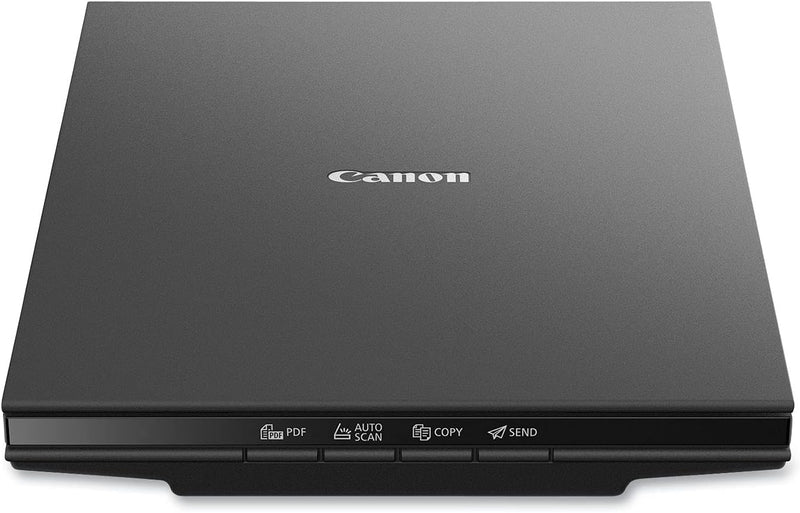
Canon 2995C002 Canoscan Lide 300 USB Document Scanner
The Canon CanoScan LiDE 300 delivers sharp 2400 x 2400 dpi scans through a slim, USB-powered design with one-touch simplicity.
$75.00*$75.99Save 1%
View on Amazon
✓ In Stock on Amazon.com
*Price sourced from Amazon.com. Last updated:Oct 09, 2026.Price and availability are subject to change — details.
Affiliate Disclosure: As an Amazon Associate, Studio Supplies earns from qualifying purchases made through links on this page, at no additional cost to you. This helps support our editorial team.
Notice a mistake? Let Us Know
Overview
Key Features
Scanner type: Document
Connectivity technology: USB
With Auto Scan Mode, the scanner automatically detects what you're scanning
Digitize documents and images
Specifications
Brand
Canon
Model
CanoScan LiDE 300 (2995C002)
Scanner Type
Flatbed Document Scanner
Connectivity
USB
Optical Resolution
2400 x 2400 dpi
Features
Auto Scan Mode, EZ Buttons
Frequently Asked Questions
Does the Canon LiDE 300 require a separate power adapter?
No, it is entirely USB-powered — a single USB cable connects it to your computer and provides both data transfer and power.
What is the maximum optical scanning resolution?
The LiDE 300 offers a maximum optical resolution of 2400 x 2400 dpi, which is sufficient for detailed document archiving and photo scanning.
What does the Auto Scan Mode do?
Auto Scan Mode automatically detects the type of item you're scanning — document, photo, or business card — and applies the appropriate settings without manual adjustment.
Can this scanner handle thick items like books or magazines?
The flatbed lid can typically be raised to accommodate thicker items, though very bulky books may not sit perfectly flat on the glass.
What are the EZ buttons on the scanner?
The EZ buttons are dedicated one-touch controls on the scanner body that let you start a scan, create a PDF, or copy a document with a single press.
Related Products


