Dell

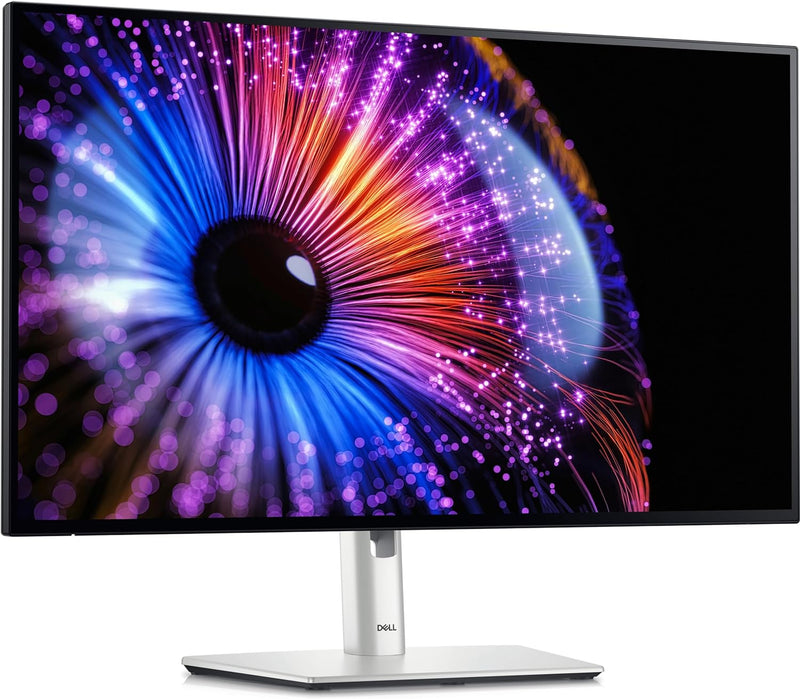
Dell U2724DE 27" UltraSharp WQHD LED Monitor

4.0 (7 reviews)
2560 x 1440

The Dell U2724DE pairs a 2560x1440 IPS Black panel with Thunderbolt 4 and built-in Ethernet in a 27-inch monitor built to anchor a professional workstation.

$524.99*
In Stock on Amazon.com
View on Amazon

*Price sourced from Amazon.com. Last updated:Jun 19, 2026.Price and availability are subject to change.

Affiliate Disclosure: Studio Supplies may earn a commission from qualifying purchases made through links on this page, at no additional cost to you. This helps support our editorial team.

Notice a mistake? Let Us Know

Overview

The Dell UltraSharp U2724DE is a 27-inch workstation monitor built around three professional-tier specifications that matter in daily use: IPS Black panel technology for a 2000:1 native contrast ratio, Thunderbolt 4 for a single-cable docking solution, and 10-bit color coverage across 98% DCI-P3. The 2560x1440 WQHD resolution at 27 inches produces a pixel density of approximately 109 PPI — sharp enough for extended text work and detailed image editing without the scaling complexity of 4K. The 120Hz refresh rate at this resolution is handled by the DisplayPort 1.4 and Thunderbolt 4 inputs simultaneously, meaning you get smooth motion without bandwidth compromises. The 2000:1 contrast is the panel differentiator: where standard IPS monitors show gray in shadows, the IPS Black panel renders genuine depth — photos look three-dimensional, dark UI themes look intentional rather than washed-out.

The connectivity suite is what positions this as a true docking monitor rather than a display-only purchase. Thunderbolt 4 carries 40Gbps bidirectional bandwidth — enough for the display signal, full-speed USB peripherals, external storage, and 90W laptop charging simultaneously. The built-in RJ45 Ethernet port extends wired networking to Thunderbolt-connected laptops that lack their own LAN port, completing the docking station functionality without a separate hub. USB-A ports on the monitor's back panel clean up peripheral cable routing from the laptop entirely. ComfortView Plus reduces harmful blue light emission at the hardware level without a software filter that shifts color balance — a meaningful ergonomic detail for users spending eight or more hours per day at the desk. The U2724DE is a long-term workstation investment built around professional workflows, not a spec-sheet monitor that underdelivers in daily use.

Key Features

LED Monitor offers maximum efficiency and usability

27" viewable screen size showcases movies, games, and photos with striking clarity

5 ms response time makes it excellent for latest action films, sports or gaming

Furnishes captivating visuals with 350 Nit brightness levels

Four times the resolution of HD with WQHD mode, permits you to have more multimedia content shown without any delay with amplified efficiency

Edge LED backlighting technology for a bright and sharp display

2560 x 1440 maximum resolution for a spectacular, sharp display with added reliability

120 Hz standard refresh rate reduces deterioration caused by blurring to ensure maximum productivity

16:9 widescreen resolution perfect for watching movies, playing video games and getting on with office work

HDMI (High Definition Multimedia Interface) offers fantastic sound/video quality and single-cable comfort

Specifications

Display Technology
LED
Screen Size
27 inches
Response Time
5 ms
Brightness
350 Nit
Resolution
2560 x 1440 (WQHD)
Refresh Rate
120 Hz
Aspect Ratio
16:9
Backlighting Technology
Edge LED
Video Input
HDMI

Dell UltraSharp U2724DE — Editorial Review

The Dell UltraSharp U2724DE is a 27-inch 1440p monitor built around an IPS Black panel and a 120Hz refresh rate, with one of the most complete connectivity suites on any productivity display. Expert Reviews sums it up as "brilliantly sensible" — a do-it-all office monitor.

Featured Video Review

This MacBook Monitor is PACKED With Features. But... (Dell U2724DE Review)
Created Tech · "This MacBook Monitor is PACKED With Features. But... (Dell U2724DE Review)" · Watch on YouTube

IPS Black contrast and a Thunderbolt 4 hub

PCWorld measured a contrast ratio above 2,000:1 from the IPS Black panel and excellent color accuracy (average Delta E under 2 in both sRGB and Display P3), alongside HDMI, DisplayPort, and Thunderbolt 4 with DisplayPort-out and Thunderbolt-out for daisy-chaining. The 120Hz refresh makes everyday motion feel noticeably more responsive than 60Hz. In Created Tech's review — featured above — it's positioned as a feature-packed MacBook companion display.

Honest cons

  • No HDR. Unlike the step-up U2723QE, the U2724DE drops HDR support.
  • Backlight bleed and IPS glow. There's some bleed at the top and bottom edges and a moderate amount of IPS glow.
  • Response time. The 5ms panel is fine for office and casual gaming but sluggish next to dedicated gaming monitors.
  • Motion artifacts. Faint interlace-pattern lines can appear during movement, even if they're less visible at 120Hz.

Where this monitor fits

  • Home-office and hybrid workers who want a single-cable Thunderbolt 4 dock plus a sharp, accurate 27-inch panel.
  • MacBook and laptop users who value charging, video, and data over one cable and daisy-chaining a second display.
  • Content creators needing reliable sRGB and P3 color accuracy out of the box.
  • Not HDR seekers, competitive gamers chasing the fastest response, or those who'd rather pay less without the Thunderbolt hub.

Sources & Citations

  1. Expert Reviews, "Dell UltraSharp U2724DE review: Brilliantly sensible," expertreviews.co.uk (accessed 2026-05-26)
  2. PCWorld, "Dell U2724DE review: A do-it-all display with gobs of ports," pcworld.com (accessed 2026-05-26)

Last verified: 2026-05-26

Now that you've seen the details — ready to take a closer look?

View on Amazon

Pros & Cons

👍 Pros

  • IPS Black panel achieves 2000:1 native contrast ratio — delivering substantially better shadow detail and black depth than standard IPS at equivalent panel size and resolution
  • Thunderbolt 4 port delivers display signal, USB hub access, and 90W laptop charging over a single cable, enabling a genuinely clean single-cable desk setup
  • 98% DCI-P3 and 100% sRGB color coverage with 1.07 billion colors (10-bit) makes this monitor viable for professional photo, video, and design color work
  • Built-in RJ45 Ethernet passthrough gives Thunderbolt-connected laptops wired network connectivity without a separate hub or dock
  • 120Hz refresh rate at 2560x1440 provides smooth scrolling, fluid window management, and judder-free video playback in daily professional use

👎 Cons

  • 350 cd/m² peak brightness is modest compared to HDR-capable monitors above this tier — insufficient for a bright windowed office environment or HDR content monitoring
  • 5ms response time is adequate for professional use but falls well behind the 1–2ms responses of dedicated gaming monitors at equivalent refresh rates
  • HDMI port supports only HDCP 1.4, which may restrict playback of HDCP 2.2-protected 4K content through that input specifically
  • At 2560x1440, the U2724DE is a WQHD display — users who need 4K (3840x2160) resolution for high-density pixel work or 4K video monitoring will need to look at a higher-tier panel
  • The premium feature set — Thunderbolt 4, IPS Black, 10-bit color — carries a corresponding premium price that exceeds standard business monitors of similar size

Frequently Asked Questions

IPS Black delivers a native contrast ratio of 2000:1 — roughly double what standard IPS panels achieve. In practice, this means darker blacks in shadow areas of photos, video, and UI elements without the backlight bleed that standard IPS shows in dark rooms. You get the wide viewing angles of IPS with meaningfully better shadow rendering.
Yes. The U2724DE's Thunderbolt 4 port carries video signal, USB data, and up to 90W of power delivery over a single cable. Connect a modern Thunderbolt laptop and you get the display signal, USB hub access, and laptop charging from one cable — the single-cable desktop setup that USB-C monitors promised but Thunderbolt 4 actually delivers reliably.
The U2724DE covers 98% DCI-P3, 98% Display P3, 100% sRGB, and 100% BT.709 — making it appropriate for photo editing, video color work, and graphic design where color fidelity matters. The 1.07 billion color support (10-bit panel) means smooth gradients without banding in color-graded images.
120Hz benefits both contexts. For productivity, cursor and window animation is noticeably smoother during fast scrolling through long documents or code, reducing the visual fatigue of extended sessions. For video editors, 120Hz playback allows smooth monitoring of 24/30/60p footage without judder. It's a quality-of-life improvement for daily work, not just gaming.
The port layout includes Thunderbolt 4, DisplayPort 1.4, HDMI (HDCP 1.4), multiple USB-A ports, USB-C, and a built-in RJ45 Ethernet jack. The Ethernet passthrough is particularly useful for Thunderbolt-connected laptops that lack their own LAN port — the monitor becomes a full docking station.