


Logitech
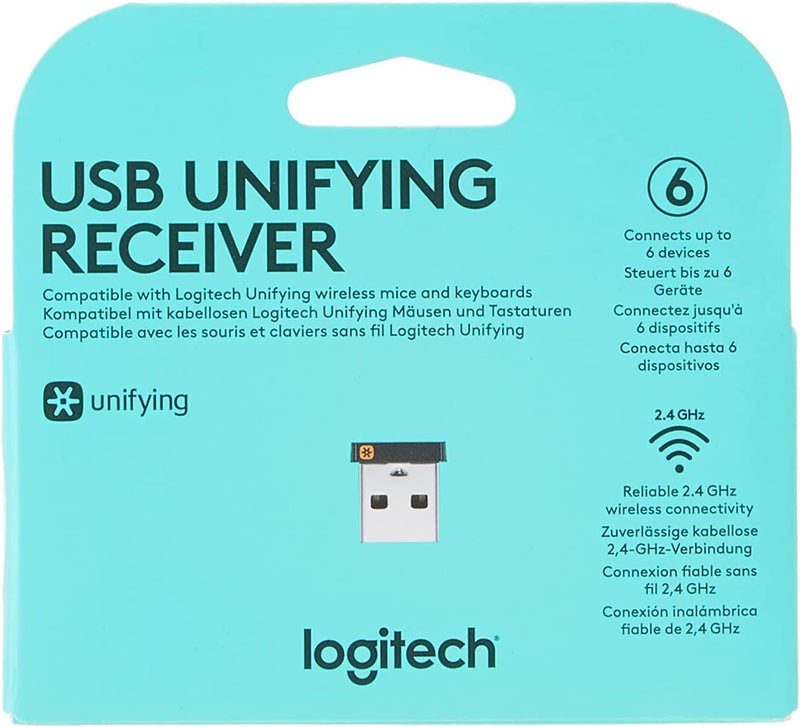
Logitech FBA_993-000439 Unifying USB Receiver
Connect up to six Logitech wireless devices through one tiny USB receiver — no more dongle clutter.
$14.95*$15.90Save 5%
View on Amazon
✓ In Stock on Amazon.com
*Price sourced from Amazon.com. Last updated:Aug 28, 2026.Price and availability are subject to change — details.
Affiliate Disclosure: As an Amazon Associate, Studio Supplies earns from qualifying purchases made through links on this page, at no additional cost to you. This helps support our editorial team.
Notice a mistake? Let Us Know
Overview
Key Features
993-000439
Logitech Unifying receiver for mouse and keyboard with Unifying Logo
The unifying receiver working with 6 mice and keyboards in the same time.
Will work with any product that has the Unifying Logo (orange star) on them.
Compatible with: Logitech wireless mouse M505 Marathon Mouse M705 Logitech Mouse M905 Logitech keyboard K340 Logitech keyboard K350
Specifications
Brand
Logitech
Model
FBA_993-000439
Connectivity
USB 2.4 GHz Wireless
Simultaneous Devices
Up to 6
Compatibility
Logitech devices with Unifying logo (orange star)
Form Factor
Nano receiver
Connector
USB-A
Color
Black
Frequently Asked Questions
How many devices can I connect to the Logitech Unifying Receiver at once?
The receiver supports up to six compatible Logitech mice and keyboards simultaneously through a single USB port.
How do I know if my Logitech device is compatible with this receiver?
Look for the orange Unifying star logo on your Logitech device or its packaging. Only devices bearing that logo are compatible.
Do I need to install software to pair devices to this receiver?
Yes, you need the Logitech Unifying software (free download) to pair additional devices beyond the one that may come pre-paired.
Does the receiver stick out far from the USB port?
No, it has a compact nano design that sits nearly flush with the USB port, so it can be left plugged in even when transporting a laptop.
Related Products
