



Microsoft
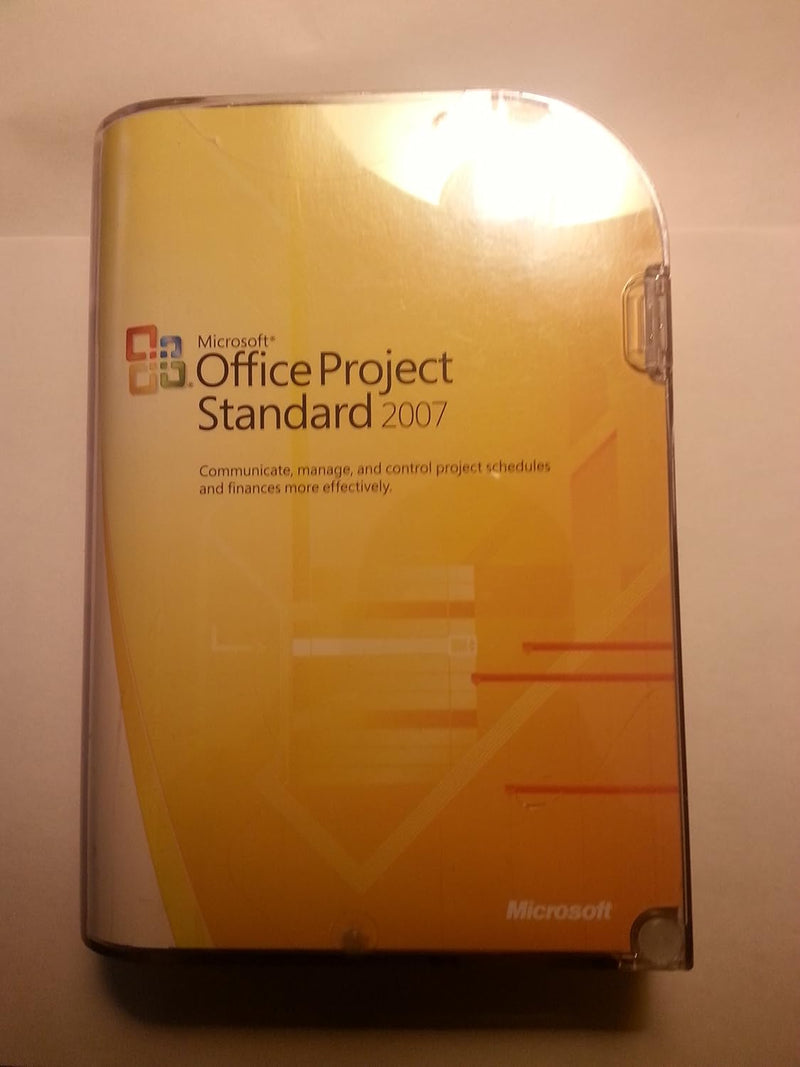
Microsoft 076-03745 Project Standard 2007 (Old Version)
Manage Projects Effectively: Microsoft Project Standard 2007Stay organized and in control with Microsoft Project Standard 2007. This classic project management software provides the tools you need to plan, track, and report on your projects effectively. Project planning and scheduling Task manag...
$279.99*
Check availability
*Price sourced from Amazon.com. Last updated:Sep 03, 2026.Price and availability are subject to change — details.
Affiliate Disclosure: As an Amazon Associate, Studio Supplies earns from qualifying purchases made through links on this page, at no additional cost to you. This helps support our editorial team.
Notice a mistake? Let Us Know
Overview
Manage Projects Effectively: Microsoft Project Standard 2007
Stay organized and in control with Microsoft Project Standard 2007. This classic project management software provides the tools you need to plan, track, and report on your projects effectively.
- Project planning and scheduling
- Task management and assignment
- Resource allocation and tracking
- Financial tracking and reporting
- Gantt charts and visual reports
Key Features
Easy-to-use software helps you manage projects more efficiently than ever before so you can keep your business on track
Helps you effectively track and analyze projects with a better understanding of the schedule and impact of changes;
Improved Task Drivers help you determine the factor (such as task dependency, calendar constraints, schedule date, or vacation time)
Smart tags alert you to alternatives when you make changes to your plan; create your own custom template,
Automatically highlights all items that shift as a result of the most recent change;
Delivers flexible project tracking and analysis by helping you to compute and track core metrics unique to your project
Use one of the many new, out-of-the-box templates
Specifications
Product
Project Standard
Version
2007
Features
Task Drivers, Smart Tags, Custom Templates
Tracking
Flexible Project Tracking and Analysis
Analysis
Better understanding of schedule and impact of changes
Templates
New, out-of-the-box templates
Frequently Asked Questions
What is the primary benefit of using Microsoft Project Standard 2007?
This software is designed to help you manage projects more efficiently, allowing your business to stay on track.
How does Project Standard 2007 assist with project tracking and analysis?
It provides tools for effective tracking and analysis, offering a better understanding of schedules and the impact of any changes made to the project plan.
What are "Improved Task Drivers" and how do they function?
Improved Task Drivers help you identify the specific factors affecting a task, such as dependencies, calendar constraints, schedule dates, or vacation time.
How do "Smart Tags" enhance project planning in this software?
Smart tags alert you to alternative options when you make changes to your project plan, aiding in more informed decision-making.
Can users create their own custom templates in Microsoft Project Standard 2007?
Yes, the software allows you to create your own custom templates, providing flexibility for specific project needs.
Does the software highlight changes made to the project plan?
It automatically highlights all items that shift as a result of the most recent change, making it easier to visualize the ripple effects of modifications.
What kind of metrics can be tracked with this version of Project?
It delivers flexible project tracking and analysis by helping you compute and track core metrics that are unique to your specific project.
Related Products


