

Microsoft
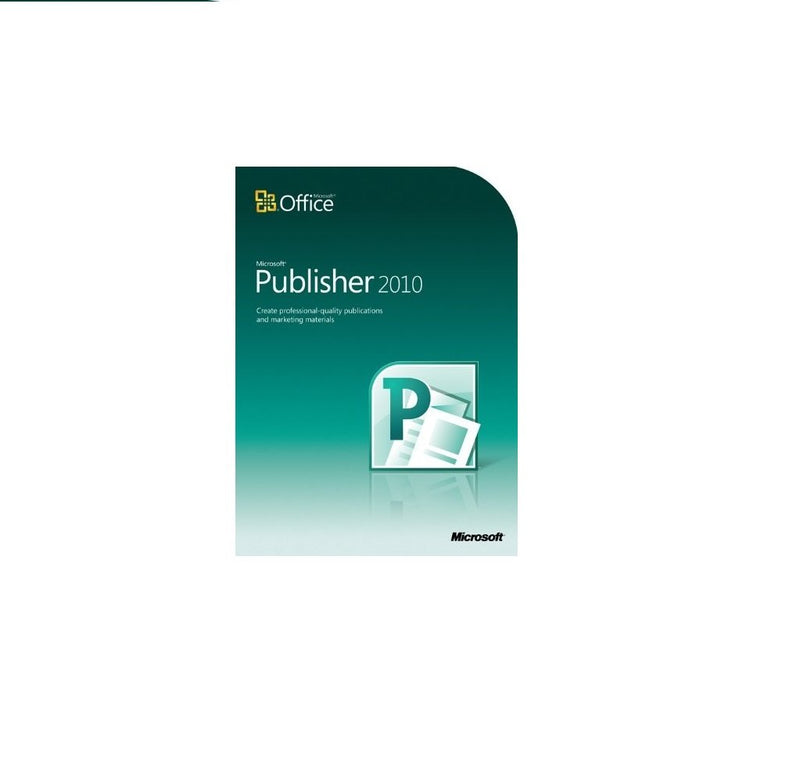
Microsoft 164-06233 Publisher 2010 - Publication Software
Create Professional Publications with Microsoft Publisher 2010 Microsoft Publisher 2010 empowers you to design and share a wide array of professional-quality publications. With intuitive tools and pre-designed templates, creating impressive brochures, newsletters, and marketing materials has neve...
$179.00*
Check availability
*Price sourced from Amazon.com. Last updated:Oct 10, 2026.Price and availability are subject to change — details.
Affiliate Disclosure: As an Amazon Associate, Studio Supplies earns from qualifying purchases made through links on this page, at no additional cost to you. This helps support our editorial team.
Notice a mistake? Let Us Know
Overview
Create Professional Publications with Microsoft Publisher 2010
Microsoft Publisher 2010 empowers you to design and share a wide array of professional-quality publications. With intuitive tools and pre-designed templates, creating impressive brochures, newsletters, and marketing materials has never been easier.
Specifications:
- Brand: Microsoft
- Model: 164-06233
- Software: Microsoft Publisher 2010
- Key Features: Improved Picture-Editing Tools, Object Alignment Technology, OpenType Typography, Integrated Print Experience
- Publication Types: Brochures, Newsletters, Postcards, Greeting Cards, E-mail Newsletters
Key Features
With Microsoft Publisher 2010, you can easily communicate your message in a variety of publication types, saving you time and money
Easily swap out pictures while preserving the look and layout of your publication with new and improved photo-editing tools
Transform and customize ordinary text into fine typography with new OpenType fonts
Preview built-in templates, customize content with ease and review for design and layout mistakes before printing
Align objects, images or text boxes easier with improved object alignment technology and guides
Specifications
Software Title
Publisher 2010
Type
Publication Software
Brand
Microsoft
Frequently Asked Questions
What can I create with Microsoft Publisher 2010?
With Microsoft Publisher 2010, you can easily communicate your message through a variety of publication types, helping you save time and money in the process of creating documents.
Does Publisher 2010 offer photo editing capabilities?
Yes, Microsoft Publisher 2010 includes new and improved photo-editing tools that allow you to easily swap out pictures while preserving the overall look and layout of your publication.
Are there options for customizing text appearance in this software?
Publisher 2010 allows you to transform and customize ordinary text into fine typography by utilizing new OpenType fonts, offering more design flexibility.
How does Publisher 2010 help prevent design mistakes before printing?
You can preview built-in templates, easily customize content, and review for potential design and layout mistakes directly within Publisher 2010 before sending your publication to print.
Does Publisher 2010 assist with arranging elements on the page?
Yes, the software features improved object alignment technology and guides, which make it easier to precisely align objects, images, or text boxes within your publication.
Related Products


