

Microsoft
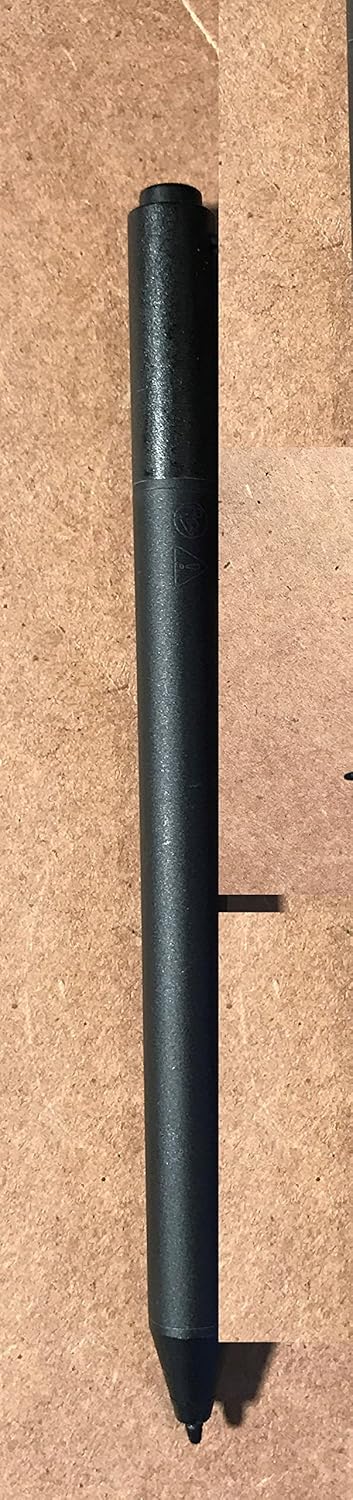
Microsoft 3UY-00012 Surface Pen Black
Express Your Creativity with Precision and ControlThe Microsoft Surface Pen is designed to provide a natural writing and drawing experience on your Surface device. With over 250 levels of pressure sensitivity and Palm Block technology, this pen allows you to write, draw, and create with precision...
View price on Amazon
Affiliate Disclosure: As an Amazon Associate, Studio Supplies earns from qualifying purchases made through links on this page, at no additional cost to you. This helps support our editorial team.
Notice a mistake? Let Us Know
Overview
Express Your Creativity with Precision and Control
The Microsoft Surface Pen is designed to provide a natural writing and drawing experience on your Surface device. With over 250 levels of pressure sensitivity and Palm Block technology, this pen allows you to write, draw, and create with precision and control, as naturally as pen on paper.
- Compatibility: Surface 3, Surface Pro 3
- Material: Aluminum
- Pressure Sensitivity: Over 250 Levels
- Features: Palm Block Technology, Easy Access to Editing Tools, Wireless Connectivity
Key Features
Easy access to editing tools
Wireless connectivity
Write naturally
Specifications
Product Type
Surface Pen
Color
Black
Connectivity
Wireless
Editing Features
Easy access to editing tools
Writing Experience
Natural
Brand
Microsoft
Frequently Asked Questions
What is the primary function of the Microsoft Surface Pen Black?
The Microsoft Surface Pen Black provides easy access to editing tools and allows for natural writing on compatible devices.
How does the Surface Pen connect to a device?
The Surface Pen connects wirelessly to compatible devices, offering convenience and ease of use.
Does this pen feel like a traditional pen when writing?
Yes, the Surface Pen is designed to allow users to write naturally, mimicking the feel of pen on paper.
Can I use this Surface Pen with any tablet?
While it offers wireless connectivity, this is a Microsoft Surface Pen, implying optimal compatibility with Microsoft Surface devices; specific model compatibility should be verified.
Are there any buttons on the Surface Pen for additional functionality?
The provided features mention "Easy access to editing tools" but do not explicitly detail the presence or function of buttons on the pen itself.
Related Products


