

Microsoft
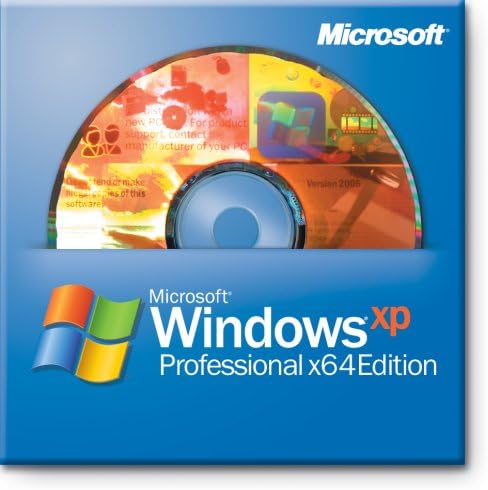
Microsoft ZAT-00126 Windows XP Pro x64 (Old Version)
Experience Enhanced Computing with Microsoft Windows XP Pro x64 Edition Microsoft Windows XP Professional x64 Edition is tailored for users requiring substantial memory and floating-point performance. Ideal for mechanical design, 3D animation, video editing, and scientific computing, it offers a...
Check availability
Affiliate Disclosure: As an Amazon Associate, Studio Supplies earns from qualifying purchases made through links on this page, at no additional cost to you. This helps support our editorial team.
Notice a mistake? Let Us Know
Overview
Experience Enhanced Computing with Microsoft Windows XP Pro x64 Edition
Microsoft Windows XP Professional x64 Edition is tailored for users requiring substantial memory and floating-point performance. Ideal for mechanical design, 3D animation, video editing, and scientific computing, it offers a stable and powerful computing environment.
Key Features:
- Edition: Windows XP Professional x64 Edition
- Service Pack: Service Pack 2c
- License Type: OEM
- Internet Explorer: Version 6.0
- Firewall: Built-in
- Media Player: Included
Specifications
Brand
Microsoft
Operating System
Windows XP Pro x64
Version
Old Version
Frequently Asked Questions
What is the main characteristic of "x64" in Windows XP Pro x64?
"x64" indicates that this version of Windows XP Pro is a 64-bit operating system, which can utilize more RAM and run 64-bit applications.
Is Microsoft Windows XP Pro x64 still supported by Microsoft?
No, as an "Old Version," Microsoft Windows XP Pro x64 is no longer supported by Microsoft, meaning it does not receive security updates or technical assistance.
Can I install this operating system on modern computer hardware?
While possible in some cases, installing Windows XP Pro x64 on modern hardware is often challenging due to a lack of compatible drivers and broad hardware support.
What are the potential security implications of using an "Old Version" of Windows XP?
Using an unsupported operating system like Windows XP Pro x64 carries significant security risks due to the absence of ongoing security patches, making it vulnerable to malware and exploits.
Is this version of Windows XP suitable for running all modern software?
No, many modern software applications, especially those requiring current security protocols or advanced features, are unlikely to be compatible with or run effectively on Windows XP Pro x64.
Related Products


