

Seagate BarraCuda 2.5" Laptop / Portable Internal HDD (1TB-8TB) — Editorial Review & Use Cases
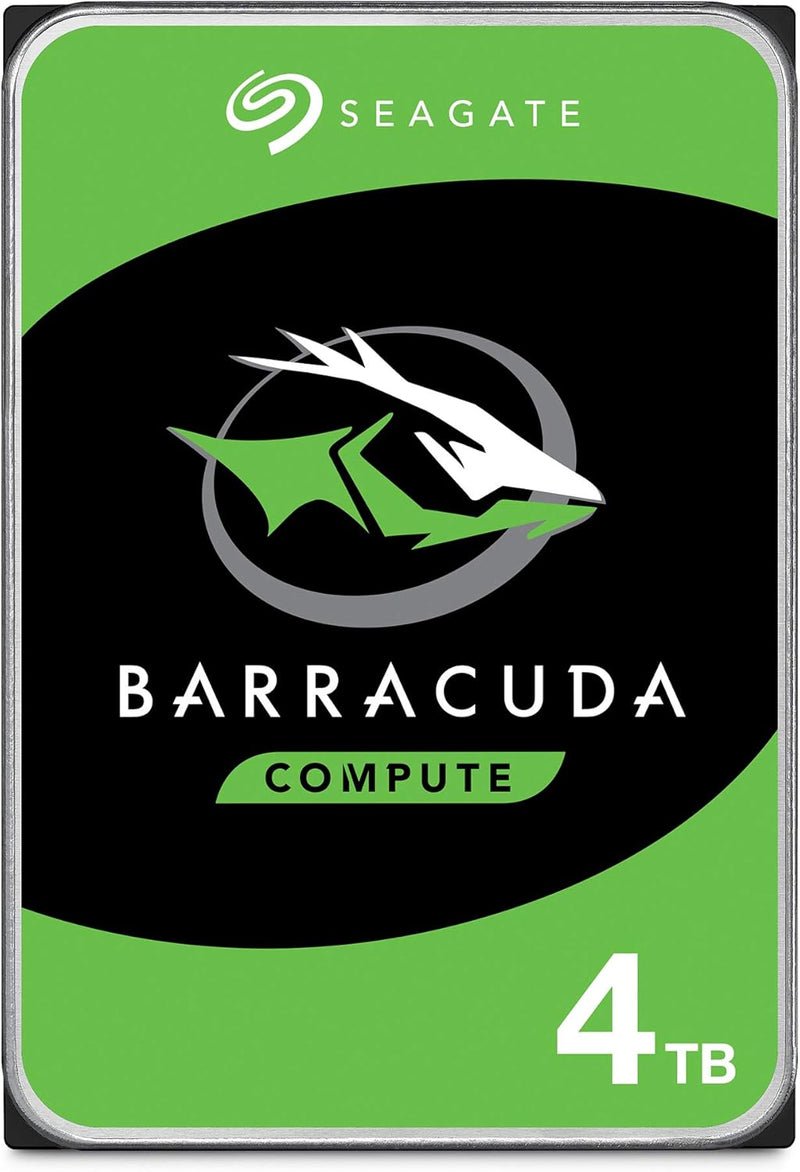
The Seagate BarraCuda 2.5" family (ST1000LM048 1TB, ST2000LMZ15 2TB, ST2000DMZ08 2TB, ST4000DMZ04 4TB, ST8000DM004/ST800DMZ04 8TB — the 2.5" and 3.5" capacity variants share BarraCuda branding but use different form factors) is Seagate's mainstream consumer internal HDD line. Per Seagate's official BarraCuda product family page, the 2.5" SATA III variants (with 7mm or 9.5mm thickness) target laptop internal upgrades + external USB enclosure use; the 3.5" variants target desktop tower / NAS / cold storage. The 2.5" line uses Seagate's multi-tier caching architecture for improved real-world performance vs older basic-platter HDDs.
What the BarraCuda 2.5" Specifically Wins
- Highest cost-per-TB internal storage — at 2TB ~$70, 4TB ~$120, 8TB ~$170. Dramatically cheaper per TB than NVMe / SATA SSDs
- Mainstream consumer HDD reliability — Seagate's BarraCuda line has been a 5+ year staple for laptop + desktop internal storage. Per Backblaze's published HDD reliability statistics, BarraCuda failure rates are competitive with WD Blue + Toshiba consumer drives
- SATA III interface — works in all modern motherboards / laptop SATA slots — desktop SATA + laptop 7mm/9.5mm SATA slots both supported (verify thickness — modern ultrabooks rarely have 9.5mm slots)
- Multi-tier caching — Seagate's caching architecture improves random I/O performance vs basic platters
- 2-year manufacturer warranty
- Compatible with Linux / macOS / Windows / Chrome OS via standard SATA driver
- Native bootable — boots as primary or secondary drive in any modern PC / laptop
- External USB-SATA enclosure conversion — paired with a USB 3.0/3.1 enclosure, becomes a portable external HDD
Where the BarraCuda 2.5" Specifically Fits
- Older laptop HDD upgrade — replacing 500GB or 1TB internal HDD with 2TB / 4TB BarraCuda gives capacity boost at modest cost
- Secondary game / media drive in newer PCs with NVMe primary — bulk storage for games / movies / RAW photos
- Linux / Unix server bulk storage for NAS / file servers
- Backup / archive drive — long-term storage of older data
- Surveillance / DVR systems — 24/7 continuous-write workloads suit HDDs at this price tier
- External USB-SATA enclosure use — quality USB 3.0 enclosure + BarraCuda = portable HDD at lower $/TB than pre-packaged externals
- Mac mini / older Mac upgrades with SATA III slots (Mac mini 2018 has SATA)
- Older gaming PC bulk storage — Steam library overflow drive
- Backup drive for SSD-primary systems — fast SSD boot + capacity HDD for files
- Photo / video editing scratch (occasional) — fine for older / unused workflows
- Home server / Plex media server — bulk storage for media library
Honest Limits Buyers Should Know
- HDD speed (100-130 MB/s) much slower than SSDs. Modern workflows (Windows boot, app launch, AAA gaming) feel sluggish on HDD vs SATA SSD. For boot drive, use SSD; BarraCuda is acceptable as secondary / bulk drive
- Mechanical failure risk. Backblaze's data shows ~1-2% annual failure rate on consumer HDDs. Never rely on a single HDD for irreplaceable data. Maintain backups
- 2.5" vs 3.5" thickness — 7mm vs 9.5mm. Most thin laptops require 7mm thickness; older thicker laptops accept 9.5mm. Mixing thickness incorrectly leaves drive loose. Verify laptop slot thickness before purchase
- NOT compatible with modern ultrabook M.2 slots. Laptops moved to M.2 NVMe (Apple, Dell XPS, Surface, Lenovo X1) since ~2018-2020. Older laptops with 2.5" SATA bay are the use case
- Hot-running under sustained load. Continuous-write workloads (surveillance, video edit scratch) generate heat; ensure adequate enclosure ventilation
- Shock / drop intolerant when spinning. Even 2.5" HDDs in laptops are shock-sensitive. Laptop shock-detection sensors help; sudden drops while running can still damage heads + platters
- 2-year warranty — shorter than some competitors. WD Blue laptop HDD: 2-year, similar; Toshiba P300 (2.5"): 2-year, similar. Industry standard for consumer laptop HDDs
- Older controller architecture vs newer drives. Newer NVMe SSDs + modern SATA SSDs have more sophisticated firmware. BarraCuda firmware is mature but not cutting-edge
- SMR (Shingled Magnetic Recording) on some capacity tiers. Higher-capacity 2.5" BarraCuda variants use SMR (denser storage but slower sustained writes). Verify the specific SKU's recording technology (CMR / PMR vs SMR)
Where Buyers Should Look Elsewhere
- Boot drive / OS install → Crucial MX500 / BX500 SATA SSD or Crucial P3 / Samsung 970 EVO Plus NVMe SSD
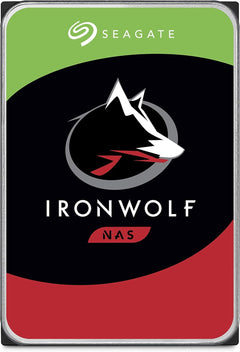
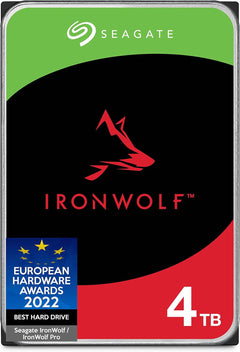
- NAS / always-on workload → Seagate IronWolf NAS HDD (24/7-rated, longer warranty), WD Red NAS HDD
- Enterprise / 24/7 datacenter → Seagate Exos / WD Gold enterprise HDDs (5-year warranty, higher reliability)
- Surveillance / DVR-rated → Seagate SkyHawk (designed for surveillance write patterns)
- Cinema / video editing → Seagate IronWolf Pro (higher endurance for sustained writes)
- Modern laptop with M.2 NVMe slot → M.2 NVMe SSD instead of 2.5" SATA
- Higher capacity (12TB+) desktop NAS → 3.5" BarraCuda / IronWolf / Exos at higher capacities
Sources & Citations
- Seagate, "BarraCuda product family page," seagate.com (accessed 2026-05-18)
- Backblaze, "Hard drive reliability statistics (consumer HDD failure rates)," backblaze.com (accessed 2026-05-18)
- Tom's Hardware, "Internal HDD comparison and buying guide," tomshardware.com (accessed 2026-05-18)
- StorageReview, "Seagate BarraCuda long-term reliability coverage," storagereview.com (accessed 2026-05-18)
Last verified: 2026-05-18