

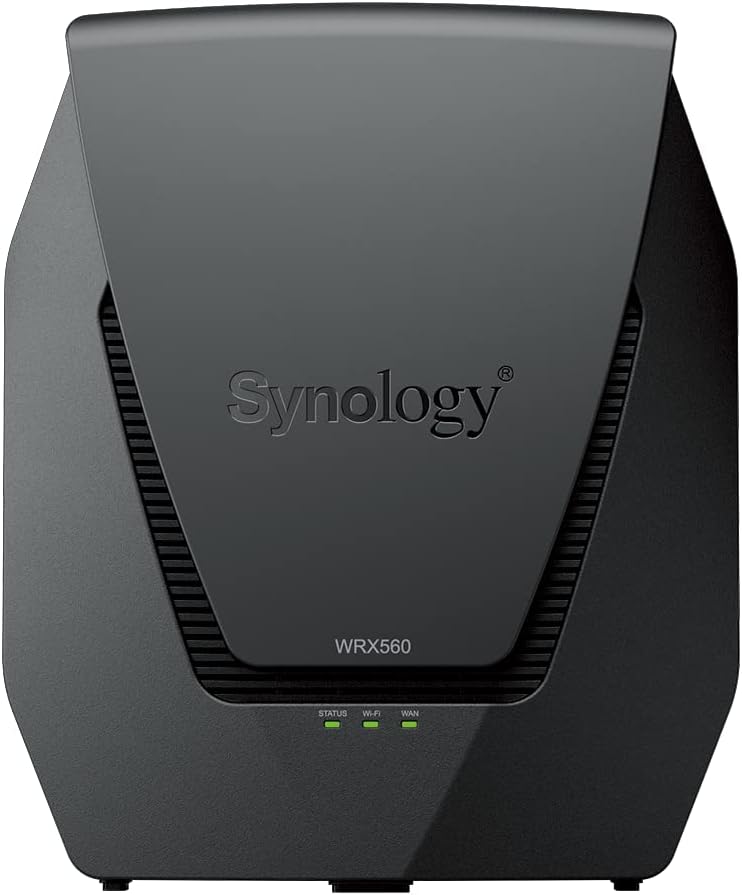


Synology
Synology WRX560 Dual-Band Wi-Fi 6 Router 2.5Gbps Ethernet
High-performance dual-band Wi-Fi 6 router with built-in threat prevention, 2.5GbE connectivity, and mesh-ready design.
$229.99*
View on Amazon
✓ In Stock on Amazon.com
*Price sourced from Amazon.com. Last updated:Oct 22, 2026.Price and availability are subject to change — details.
Affiliate Disclosure: As an Amazon Associate, Studio Supplies earns from qualifying purchases made through links on this page, at no additional cost to you. This helps support our editorial team.
Notice a mistake? Let Us Know
Overview
Key Features
Dual-band Wi-Fi 6 with 5.9 GHz support and configurable WAN/LAN 2.5GbE port enable fast wireless and wired transfers
Comprehensive network security provided through Threat Prevention, VLAN segmentation, and WPA3 support
Standalone router that can be incorporated into a mesh system for whole home coverage
Parental controls and web filtering keep your family protected
DS router app provides easy-to-follow setup and network management through your mobile device
Specifications
Wi-Fi Standard
802.11ax (Wi-Fi 6)
Frequency Bands
Dual-Band (2.4 GHz / 5 GHz with 5.9 GHz support)
Ethernet
2.5 Gbps configurable WAN/LAN port
Security
Threat Prevention, VLAN segmentation, WPA3
Management
DS router mobile app, Synology Router Manager (SRM)
Features
WPS, Parental Controls, Web Filtering, Multiple SSIDs
Mesh Support
Yes (expandable with compatible Synology routers)
Model
WRX560(US)
Frequently Asked Questions
Does the Synology WRX560 require a subscription for its security features?
No. Threat Prevention, VLAN segmentation, and WPA3 support are all included at no additional cost with the WRX560's built-in Synology Router Manager operating system.
Can the WRX560 be used as a standalone router or does it require other Synology devices?
The WRX560 works fully as a standalone router right out of the box. It can optionally be incorporated into a Synology mesh system later if you need to expand coverage.
What is the 2.5GbE port used for on the WRX560?
The 2.5Gbps Ethernet port is configurable as either a WAN or LAN connection, giving you flexibility to use it for a high-speed internet uplink or to connect a NAS or workstation at faster-than-gigabit wired speeds.
Does the WRX560 support the 5.9 GHz frequency band?
Yes. The WRX560 supports 5.9 GHz operation where regulatory approval allows, providing additional channel availability and less congestion on the 5 GHz band.
How is the WRX560 managed and configured?
Initial setup and ongoing management are handled through the DS router mobile app, which provides a guided setup process and ongoing network monitoring from your phone.
Related Products


