

HP
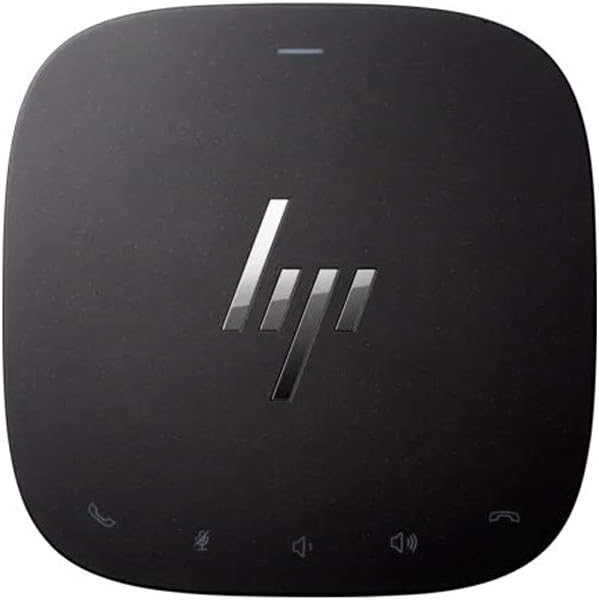
HP 3YE87AA#ABA Thunderbolt Dock 120W G2 Audio
120WUSB 3.0
Single-cable Thunderbolt 3 connectivity delivers up to 40Gbps bandwidth, 120W charging, and full peripheral expansion for HP notebooks from one compact dock.
$139.99*
View on Amazon
✓ In Stock on Amazon.com
*Price sourced from Amazon.com. Last updated:Oct 23, 2026.Price and availability are subject to change — details.
Affiliate Disclosure: As an Amazon Associate, Studio Supplies earns from qualifying purchases made through links on this page, at no additional cost to you. This helps support our editorial team.
Notice a mistake? Let Us Know
Overview
Key Features
Connectivity Technology: Wired
Device supported: notebook
Host interface: USB Type C
Total Number of USB ports: 4
Number of USB 3.0 ports: 3
Specifications
Connectivity Technology
Wired
Device Supported
Notebook
Host Interface
USB Type C
Total USB Ports
4
USB 3.0 Ports
3
Power Output
120W
Model Series
Thunderbolt Dock G2 Audio
Frequently Asked Questions
What Thunderbolt bandwidth does the HP Thunderbolt Dock 120W G2 provide, and what does that mean for multi-display workflows?
The dock uses Thunderbolt 3, which provides up to 40Gbps of bidirectional bandwidth over a single USB-C cable. That headroom is what allows the dock to simultaneously handle dual external displays, USB peripherals, Gigabit Ethernet, and audio without bottlenecking. On a Thunderbolt 3-capable HP notebook, the dock essentially converts one laptop port into a full desktop workstation connection.
Will this dock charge my HP notebook, and at what wattage?
The dock delivers up to 120W of power delivery back to the host notebook through the Thunderbolt cable — sufficient for HP's EliteBook, ProBook, and ZBook models, including higher-draw workstation notebooks. This eliminates the separate AC adapter from your desk entirely. Note that maximum 120W delivery is only achievable with compatible HP notebooks; non-HP systems may receive reduced charging wattage.
Which HP notebook models are officially compatible with the 3YE87AA?
HP lists compatibility with the ProBook, EliteBook, Elite x2, and ZBook series notebooks that have Thunderbolt 3 ports. Non-HP laptops with Thunderbolt 3 will physically connect and may work for USB/display functions, but the 120W charging and full feature support are validated specifically for HP's lineup. Check your specific notebook model against HP's compatibility matrix before purchasing.
Does the dock support dual external monitors simultaneously?
Yes — the dock provides both DisplayPort and VGA outputs, which can drive two external displays in addition to the laptop screen. The Thunderbolt 3 bandwidth headroom supports this configuration without noticeable display latency. Note that VGA is an analog output capped at lower refresh rates and resolutions compared to DisplayPort — for high-resolution or high-refresh setups, prioritize the DisplayPort connections.
How many USB ports does the HP Thunderbolt Dock G2 provide, and what speeds?
The dock provides four USB ports total — three USB 3.0 ports (up to 5Gbps each) and one additional USB port. For a typical desk setup with keyboard, mouse, external drive, and webcam, the four ports are adequate. Power users running multiple high-throughput USB devices simultaneously may find the port count limiting compared to larger docking stations with six or more USB ports.
Related Products


